Final Design
Adding polish to make this report sing
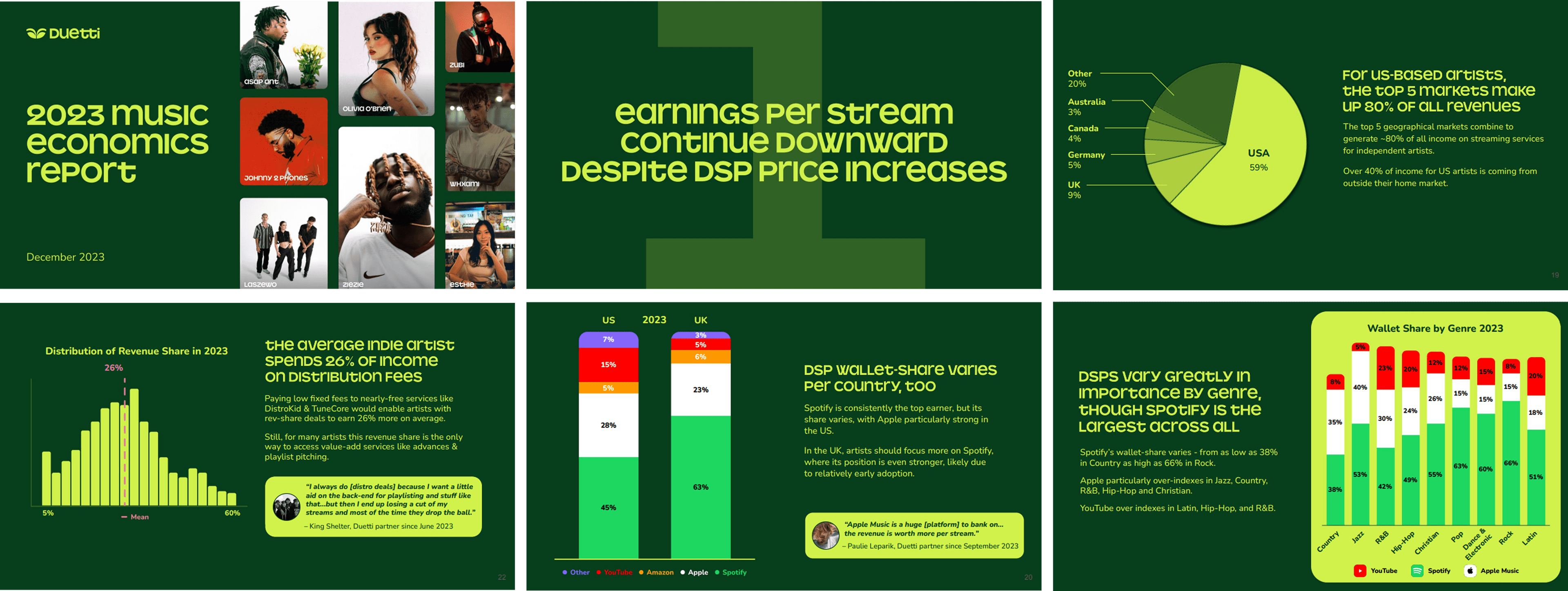
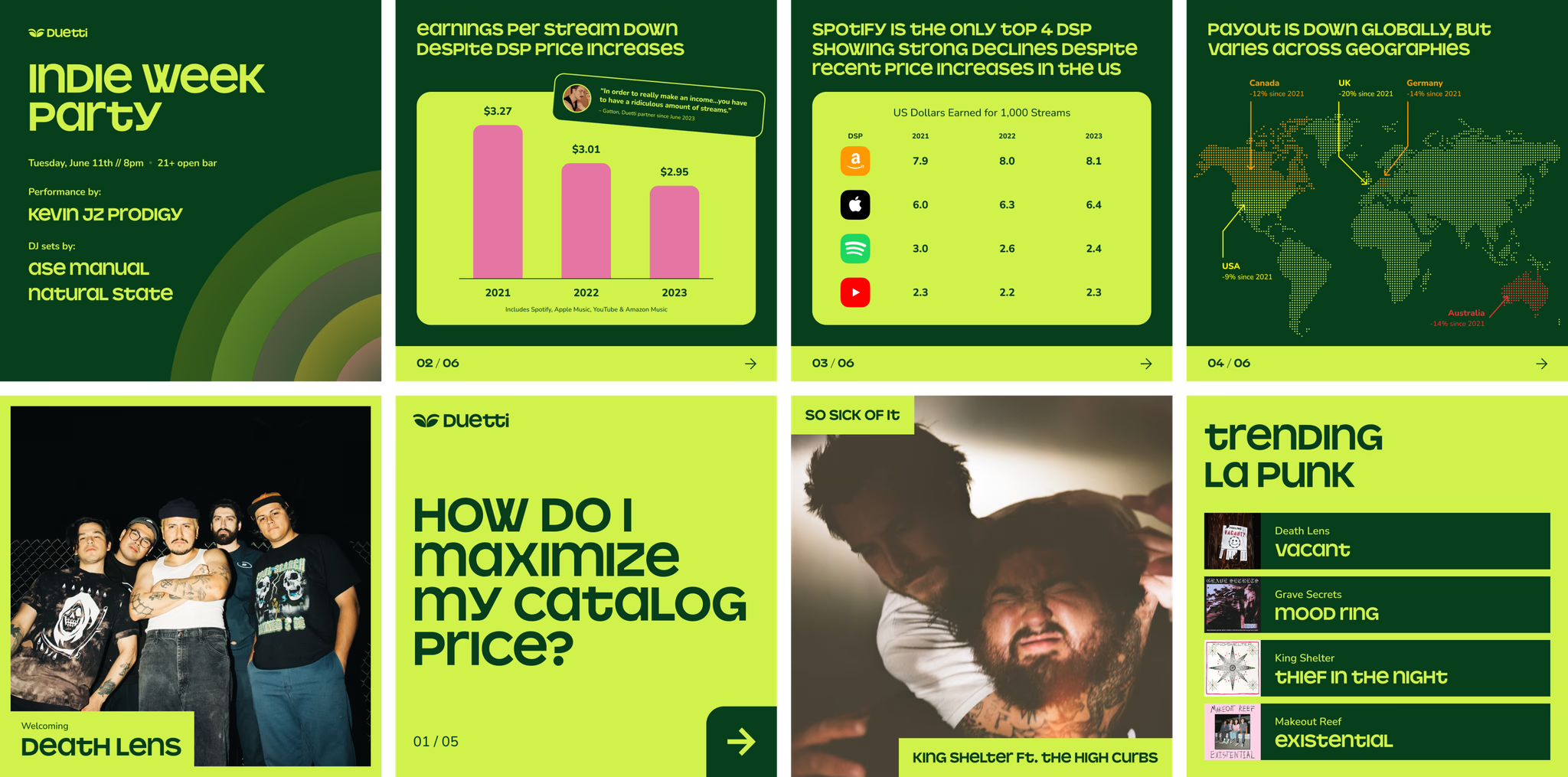
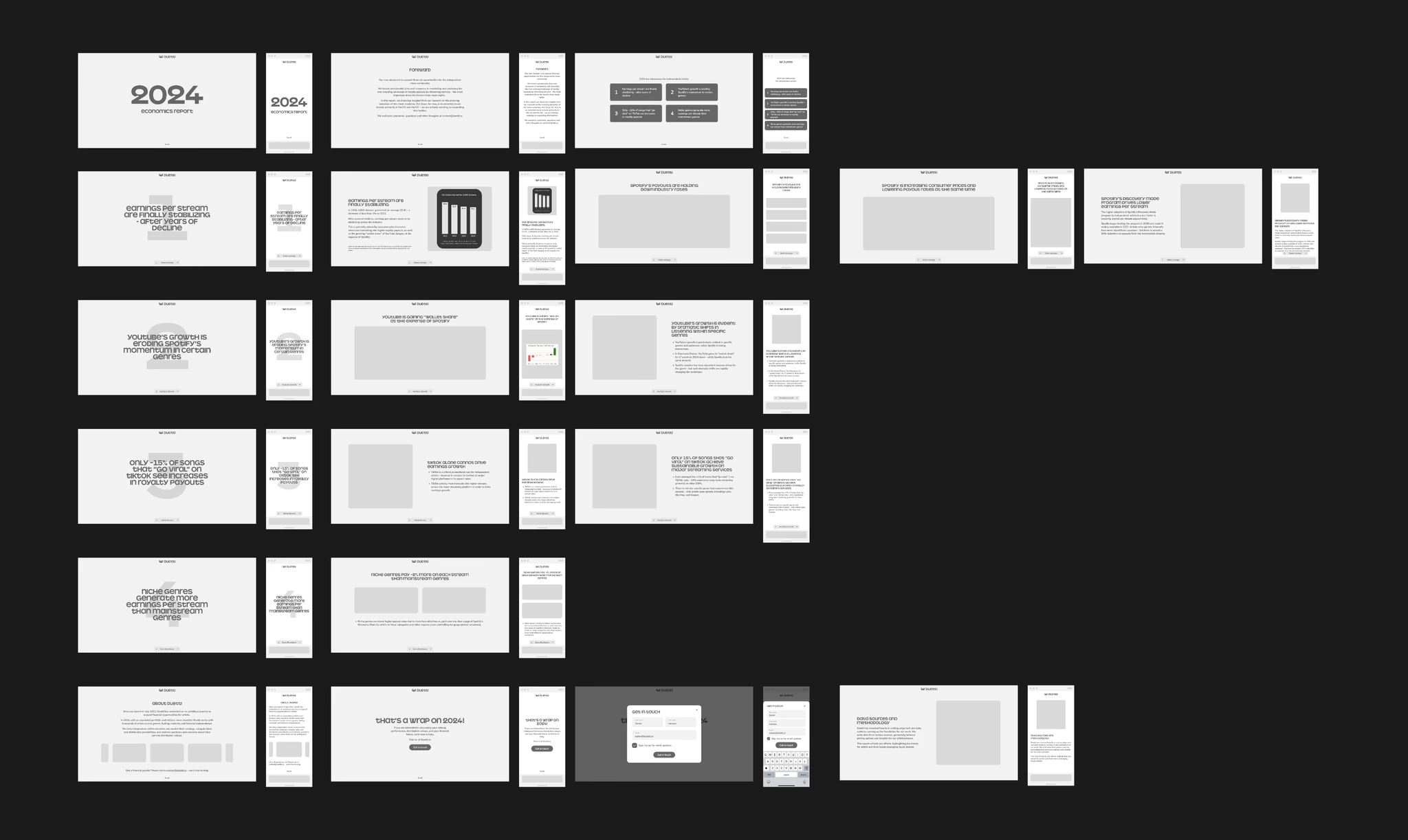
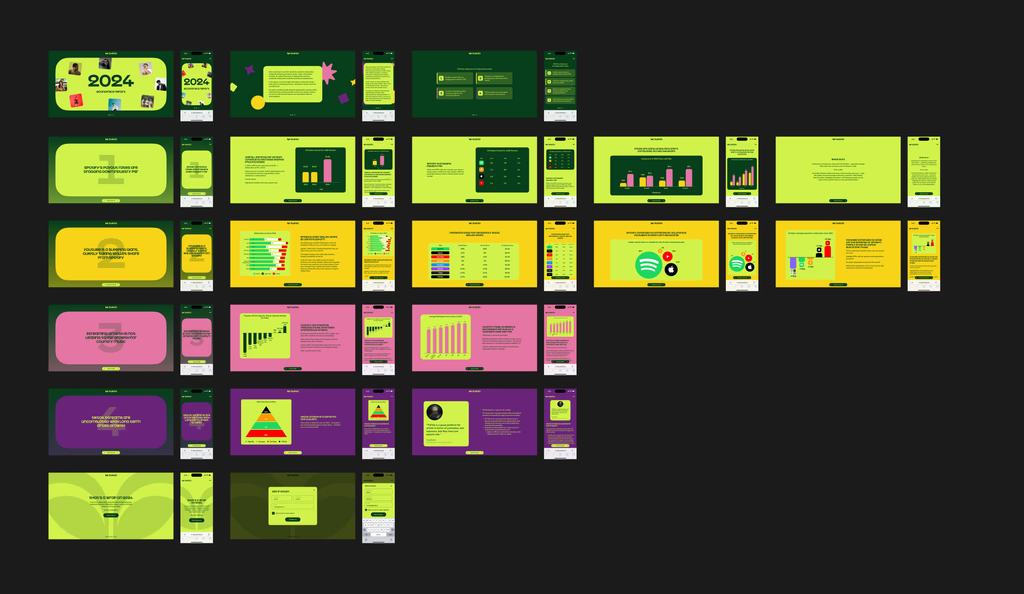
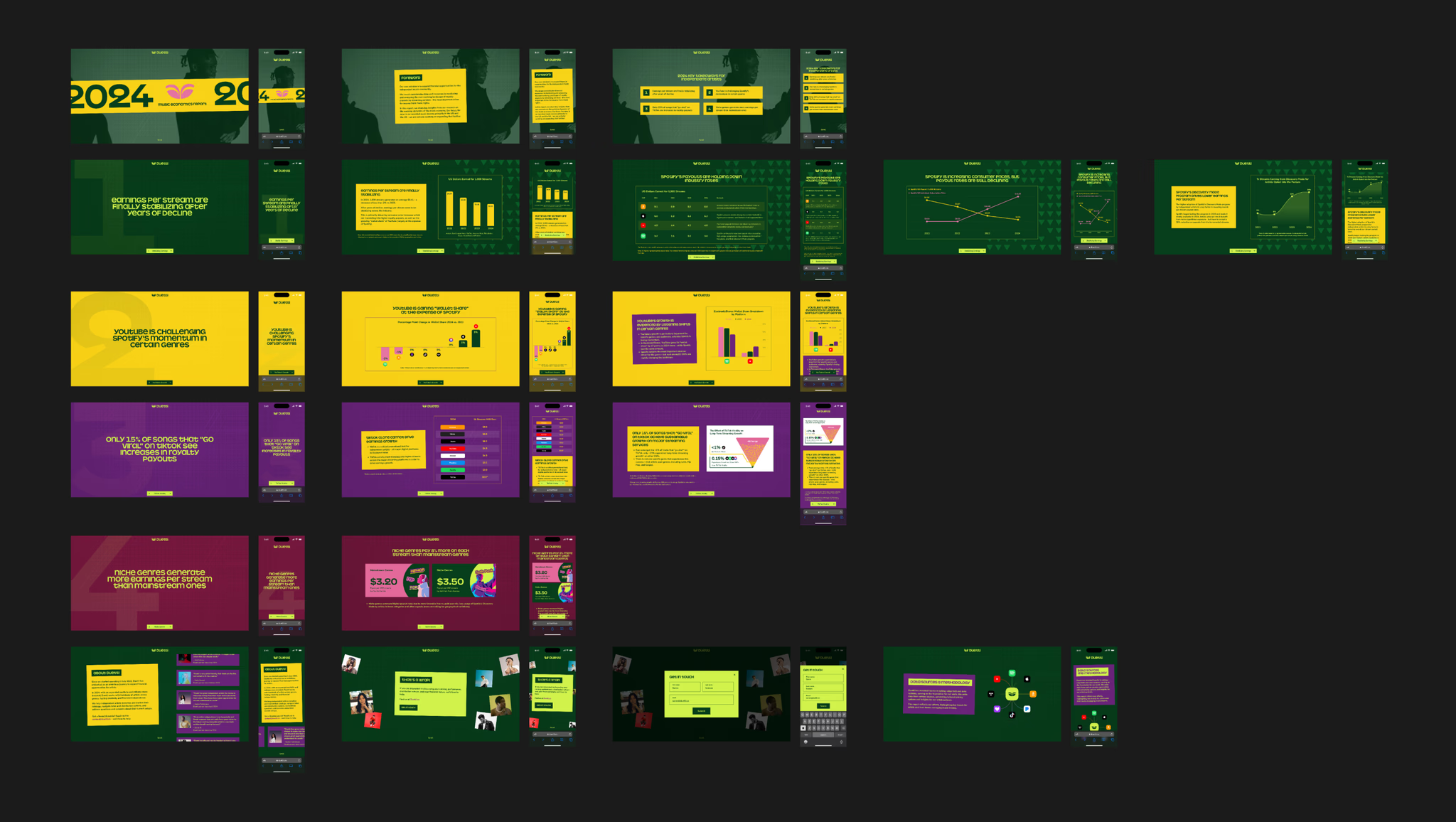
For the next review, we focused on the details and adding polish to make this report sing. We focused on adding texture through rich geometry and photography, and evoking a playful vibe with slightly off-kilter layouts. After refining the data visuals for clarity and accuracy, we got the green light and moved forward with the developer handoff.
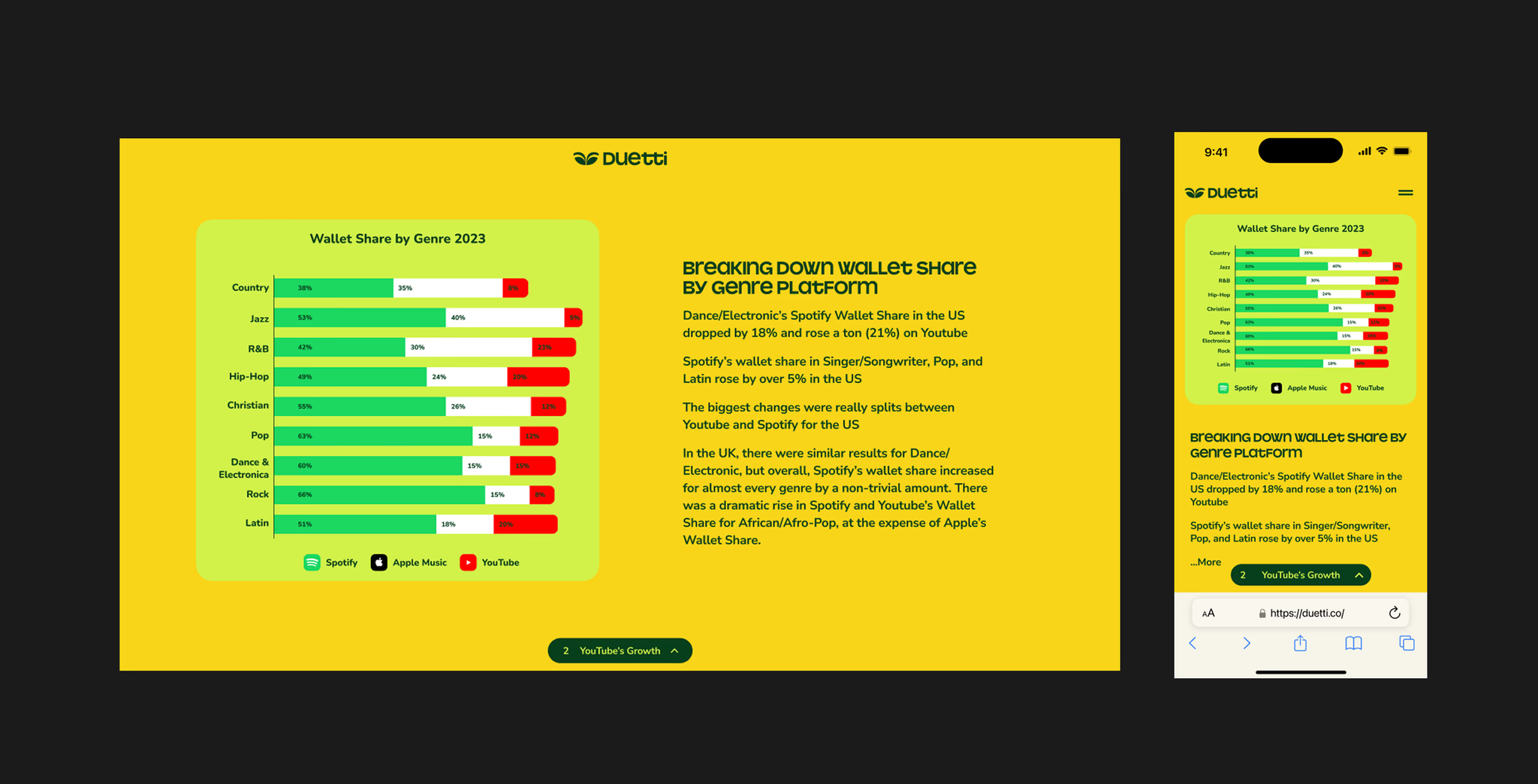
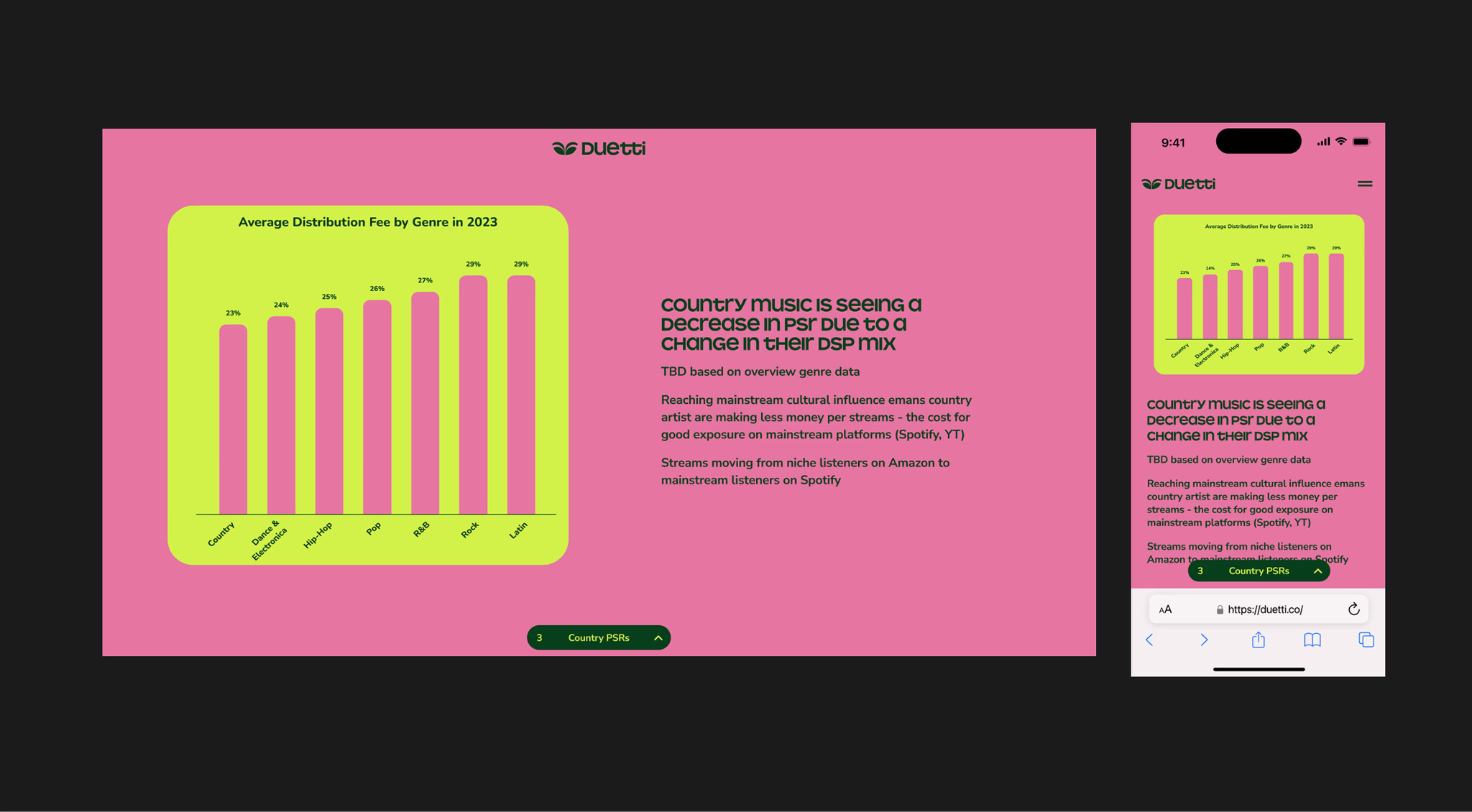
We fine-tuned our fonts and colors to make the data visuals feel more balanced. Some colors weren't reading well, so we adjusted the color styles for better clarity. I suggested a wine red for slide four to improve contrast with the lime green — it was approved and helped the design feel more polished and cohesive. Our lead PD added new illustrations and photos that really brought everything to life.
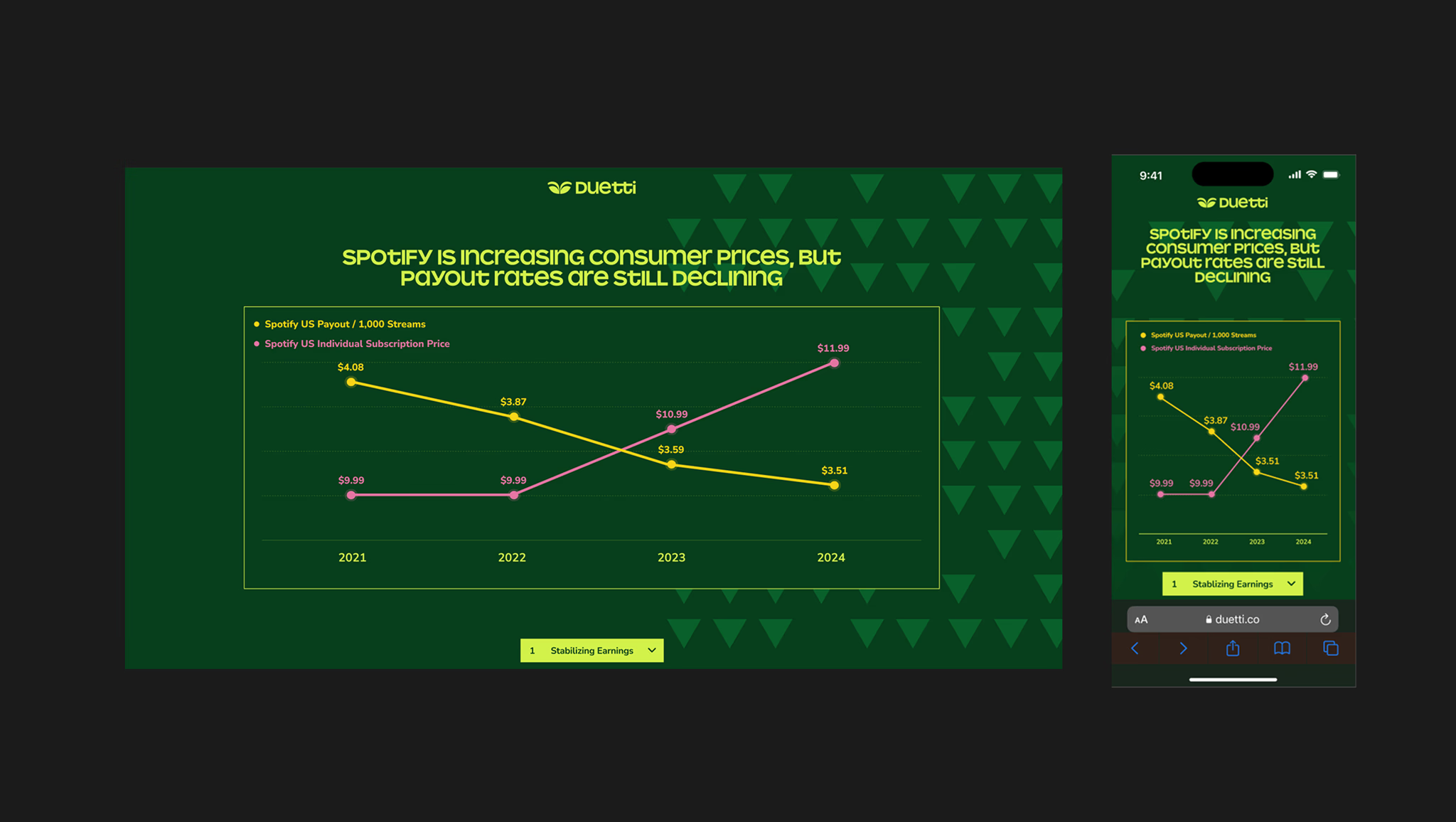
This is a closer look at one of the charts I designed, using bold neon orange and pink to highlight the contrast between Spotify's rising consumer prices and declining artist payouts. Our lead designer created a geometric background that adds visual interest without overpowering the graph. I also replaced the pill-shaped dropdown with a green vibrant rectangular one for a more unified look. The result came out cleaner and more digestible without losing impact.
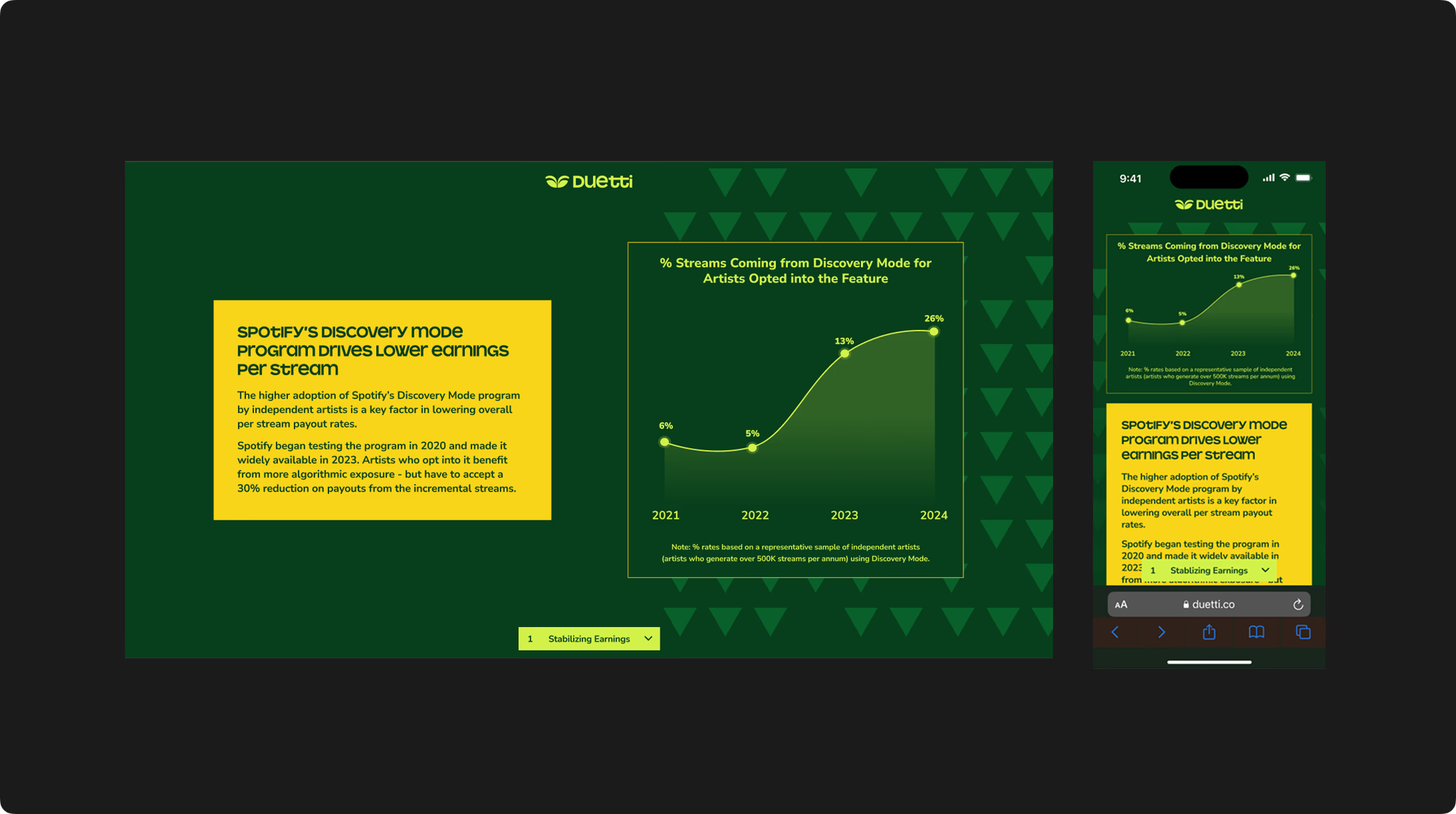
I designed this graph to highlight the rise in Discovery Mode adoption. The smooth curve and evenly spaced data points guide our eyes naturally, while gradients add slight depth without clutter. The bright yellow markers stand out against the dark green background, highlighting key data without distraction.
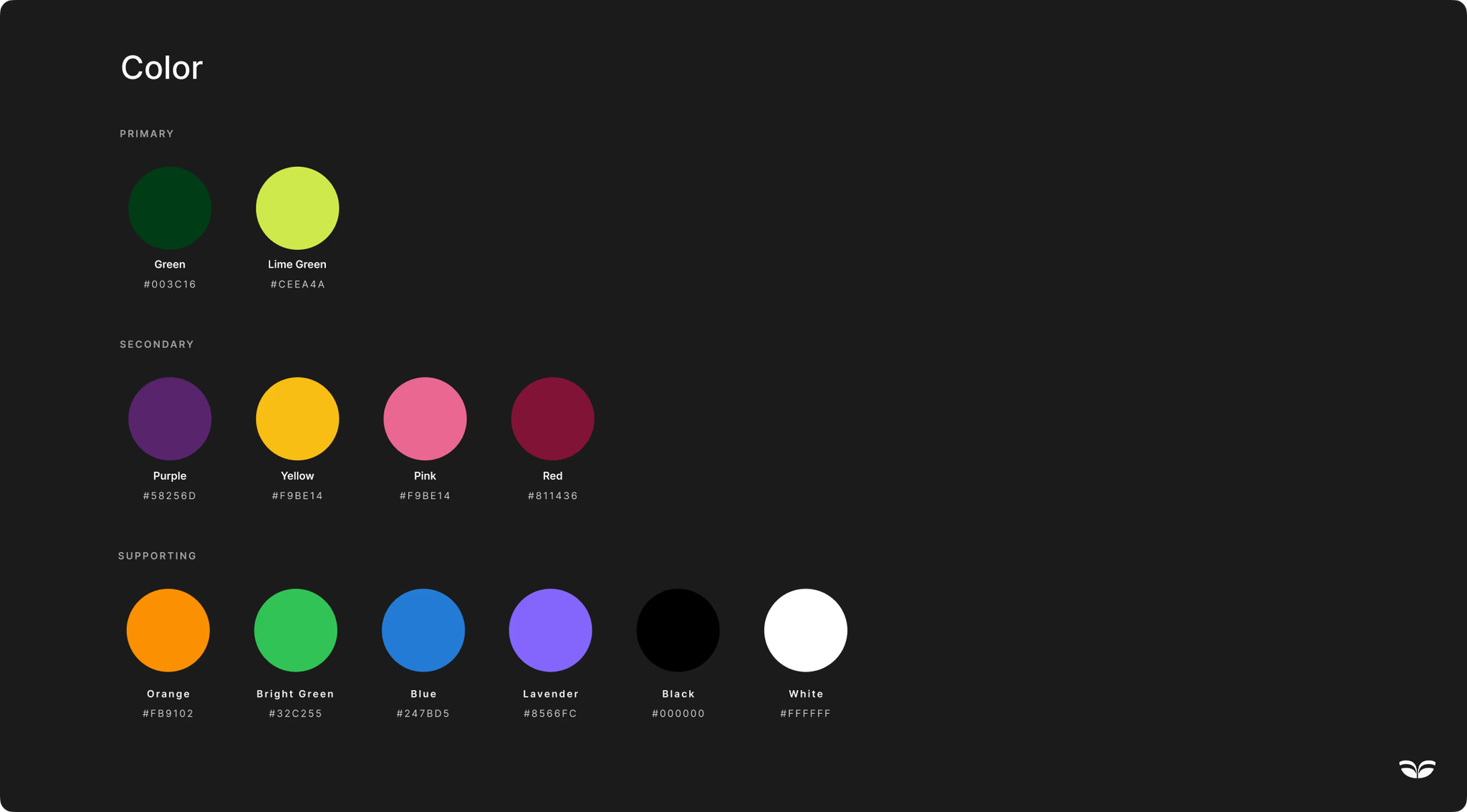
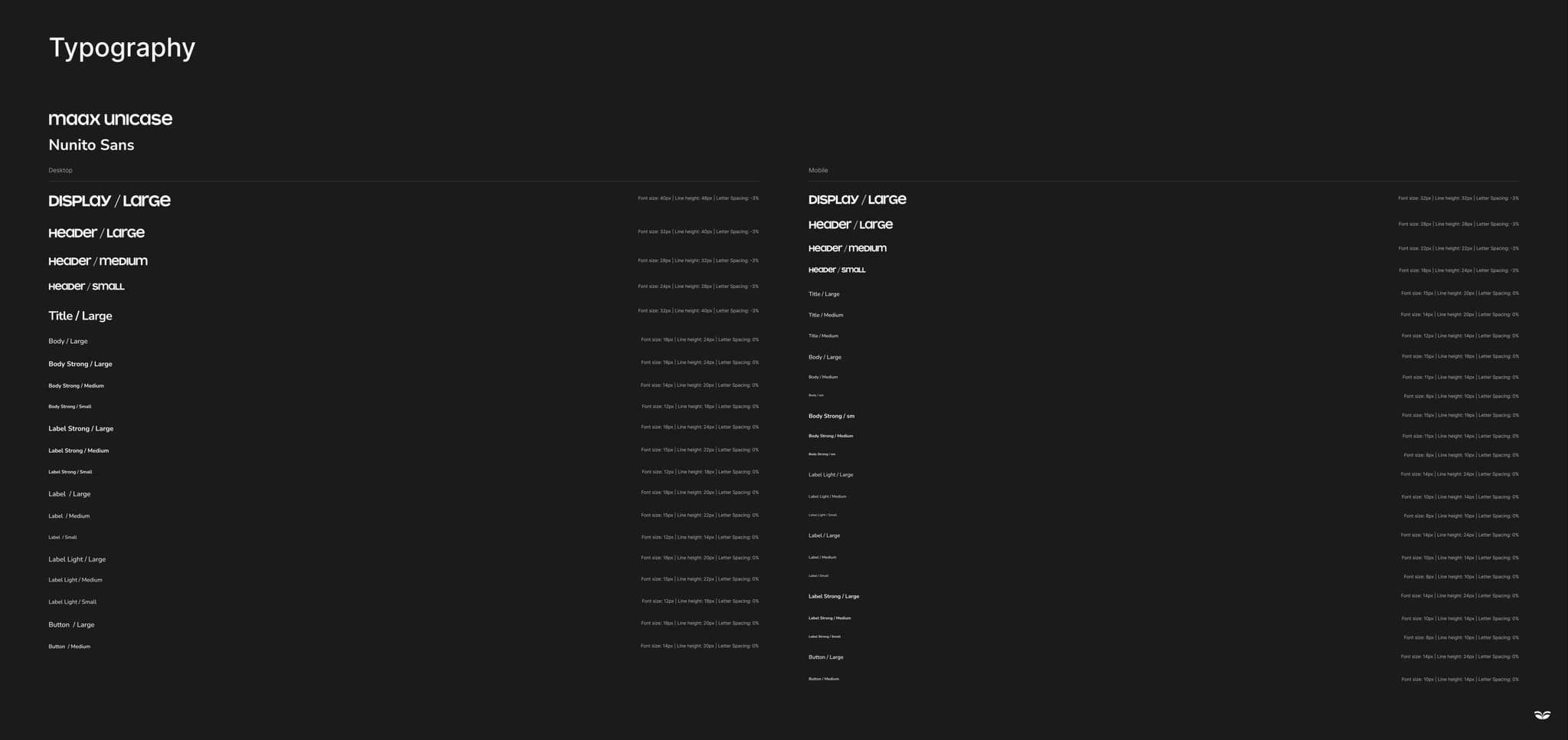
I created a color library and font guide to simplify our workflow. Duetti's dark forest green (#003C18) and lime green (#CEE44A) form the foundation, with vibrant purple, yellow, pink, and red for data visualization. Fonts: Maax Unicase for headers, Nunito Sans for body text.